Jio AirFiber Red Light Blinking? Fix “No Signal” & Light Codes
You are watching a movie (or the match). Suddenly, the internet stops.
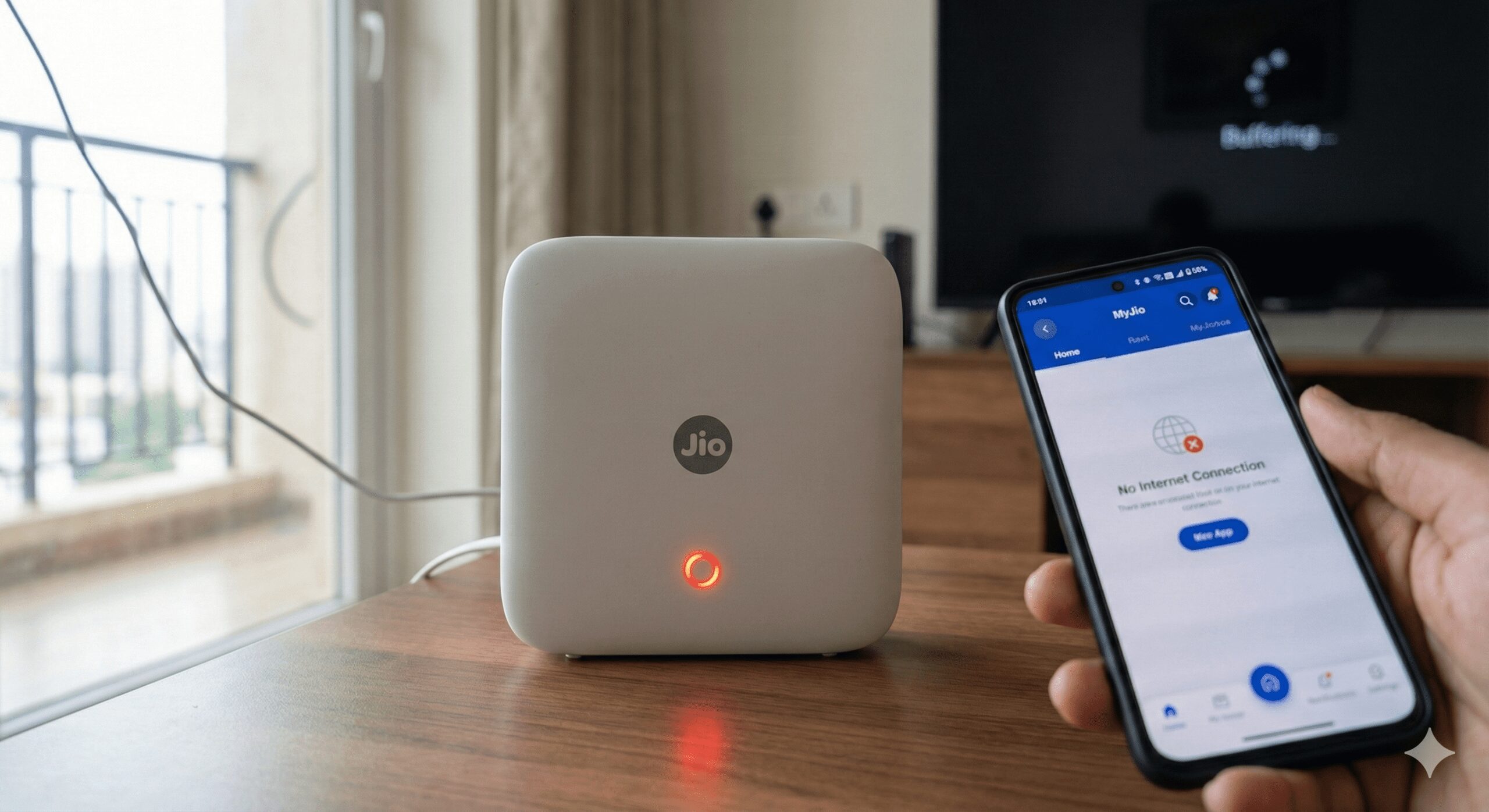
You look at your white Jio AirFiber box. The LED light is flashing RED.
You restart it. It stays Red. Customer care is not picking up.
Don’t panic. A Red Light usually doesn’t mean the device is broken. It means the 5G Signal is weak or the Frequency is jammed.
Here is the complete Light Code Cheat Sheet and the “Power Cycle” fix that works 90% of the time.
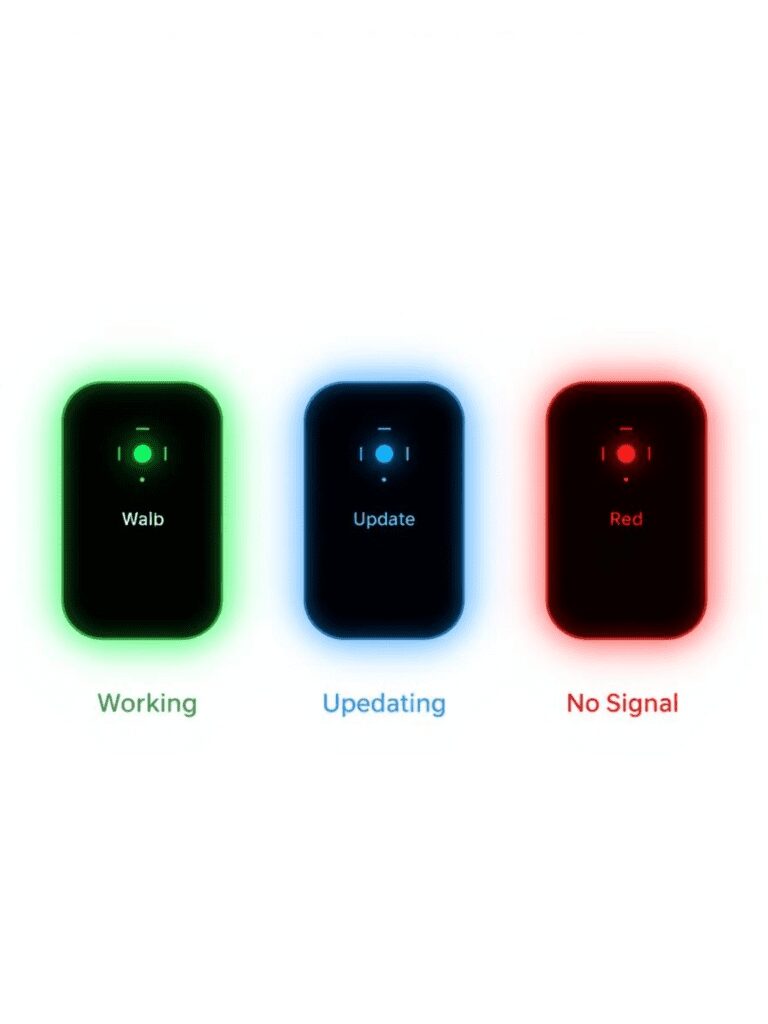
Jio AirFiber LED Light Color Codes (Cheat Sheet)
The light on your Indoor Unit (IDU) tells you exactly what is wrong.
| Light Color | Status | Meaning |
| Solid Green | Online | Everything is perfect. 5G signal is strong. |
| Blinking Green | Booting Up | The device is restarting. Wait 2 minutes. |
| Solid Blue | Ready to Pair | It is waiting to connect to the Outdoor Unit (ODU). |
| Blinking Red (Slow) | Weak Signal | It is connected, but the 5G speed is terrible. (Move the box). |
| Blinking Red (Fast) | No Signal / Disconnected | The Danger Zone. It cannot find the Outdoor Unit. |
| Solid Red | Hardware Error | The device has overheated or crashed. Needs a Hard Reset. |
Fix 1: The “5-Minute” Power Cycle (Do This First)
Most people just turn the switch off and on instantly. This does not work. The capacitors inside hold power for 30 seconds, so the memory doesn’t clear.
-
Turn OFF the main power switch.
-
Unplug the Adapter from the wall socket.
-
WAIT for 5 Full Minutes. (Go drink water).
-
Why? This drains the “Static Charge” that causes the Red Light loop.
-
-
Plug in & Turn ON.
-
Wait: It will blink Green first, then Blue, then Solid Green.
Fix 2: The “Line of Sight” Trick (For Slow Blinking Red)
Jio AirFiber is wireless. If you placed the white box inside a cupboard or behind a TV, it cannot “talk” to the Outdoor Unit (the box on your roof/balcony).
-
The Fix: Move the Indoor Unit closer to the window or wall where the Outdoor Unit is installed. Even a 1-meter move can turn the Red light into Green.
Fix 3: The “Frequency” Glitch (Advanced)
If it is raining heavily, the 5G frequency often gets jammed.
-
Check: Open the MyJio App on your phone (using mobile data).
-
Go to: Fiber > Diagnostics.
-
Run Test: If it says “Link Down,” the issue is on the Roof Unit (ODU). You cannot fix this inside. You must wait for the rain to stop or call Jio to realign the roof antenna.
When to Call Customer Care?
If the light is Solid Red (Not blinking) and the box feels very hot, your motherboard is fried.
-
Call: 1800-889-9999
-
Request: “ODU Realignment” or “Box Replacement.”
Our Analysis / Expert Opinion
At TechReal Repair, we have diagnosed dozens of Jio AirFiber units stuck in the “Red Light Loop.”
The “Boot Loop” vs. Signal Failure: A blinking red light isn’t always a signal issue.
-
Slow Blink: Usually means the device is searching for a 5G tower signal.
-
Fast Blink: Often indicates a cable fault between the Roof Unit (Outdoor) and your Indoor Router.
Our Critical Warning: Do NOT press the “Reset” button immediately. Many users panic and hard-reset the router. On Jio AirFiber units, a factory reset often wipes the specific “Sector ID” configuration that locks your device to the nearest tower. If you wipe this, even a green light won’t give you internet, and you will have to wait 2-3 days for a Jio engineer to re-map your device.
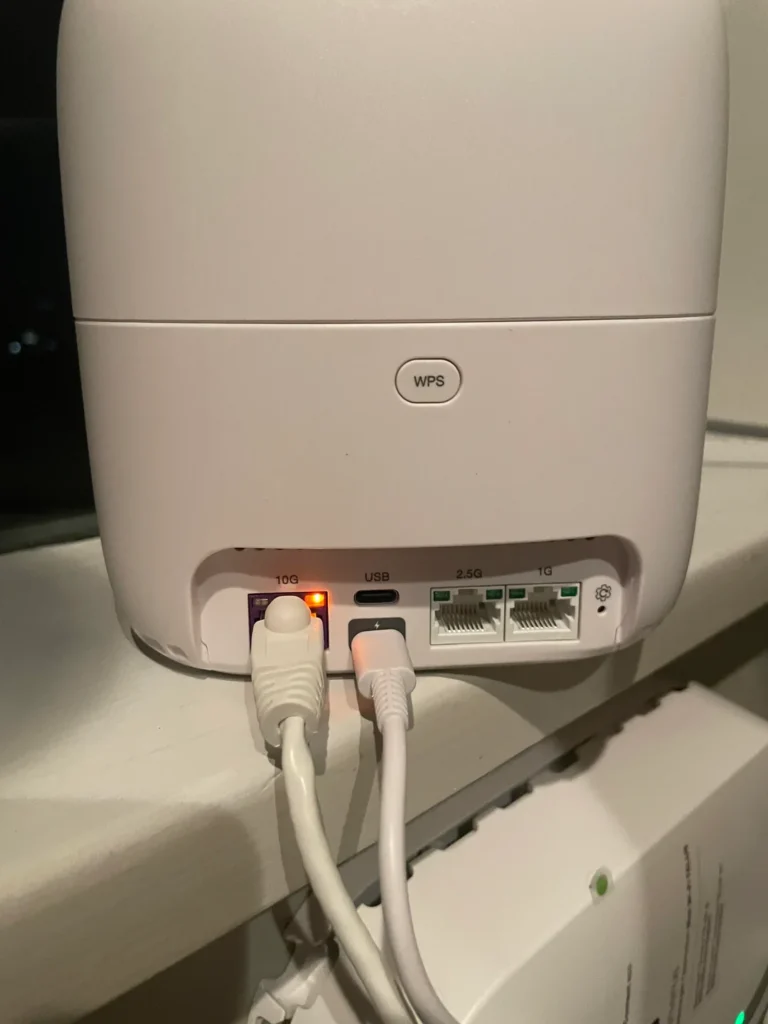
Our Recommendation: Check the White Ethernet Cable (POE) connecting your indoor unit to the roof. We find that in 60% of cases, the installer crimped the cable loosely. A simple unplug-and-replug of the LAN cable often fixes the power delivery and stops the red blinking instantly.