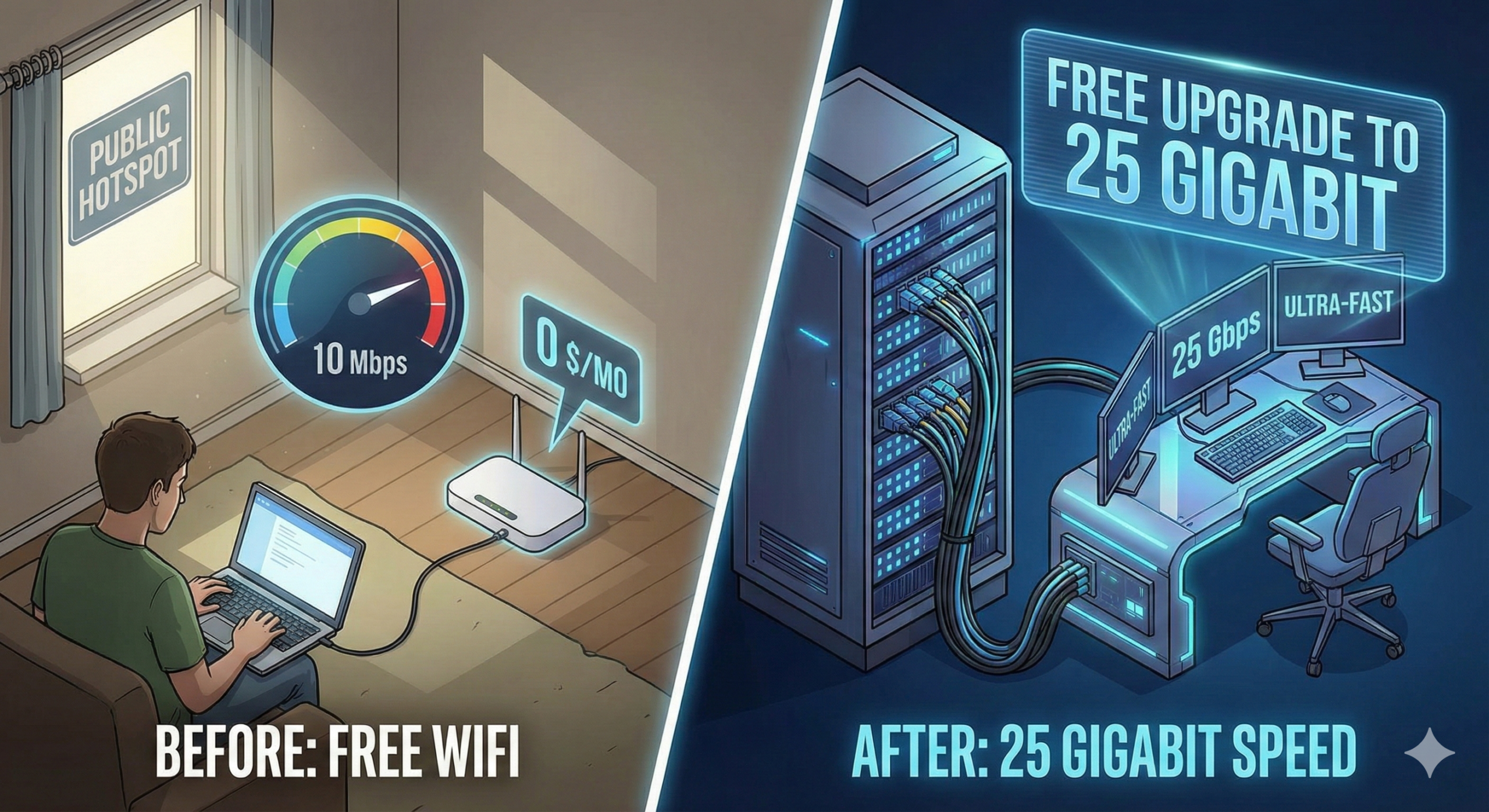
Upgrading our FREE internet to 25 gigabit! – Running Fiber to our Merch Office
The Problem
-
Context: The “Creator Warehouse” team (merch team) is in a separate building from the main studio.
-
Current Setup: They were using a Ubiquiti AirFiber XG wireless dish setup.
-
Issues:
-
The dishes were mounted too low, causing signal interference from buildings, limiting speeds to ~1/6th of the theoretical max.
-
While relatively stable, the proper solution for a permanent business connection is a hardwired line.
-
-
Goal: Connect the two buildings using a physical cable without paying for a second commercial internet subscription.
The Solution: Bi-Directional Fiber
-
Infrastructure Discovery: They found an existing conduit running between the main electrical room and the Creator Warehouse building.
-
The Constraint: The main fiber cable entering the complex belongs to the ISP. It has 12 strands, but Linus Media Group only pays for/uses 2 of them (one for send, one for receive).
-
The “Hack”: Instead of running a brand new cable through the potentially full conduit or using the ISP’s dark fiber (which they don’t own), they decided to free up one of their own existing fiber strands.
-
Bi-Directional Transceivers: By using special SFP28 transceivers, they can transmit and receive data on a single strand of fiber using two different wavelengths (1270nm and 1330nm).
-
Result: This frees up the second strand of their existing duplex pair to be used as a dedicated line to the other building.
-
The Installation Process
-
The “Outage”: To install the new transceivers, they had to briefly disconnect the main studio’s internet. They switched to a backup connection, but it disrupted some remote workflows.
-
Transceiver Swap:
-
They replaced the standard duplex transceivers with the new bi-directional ones.
-
Crucial Detail: Bi-directional transceivers must be paired oppositely (e.g., Side A transmits on 1270nm/receives on 1330nm, Side B must transmit on 1330nm/receive on 1270nm).
-
-
Running the New Cable:
-
They had to pull a new fiber cable through a conduit found under a sink in the Creator Warehouse building.
-
The Struggle: The pull was difficult because they didn’t use lubricant initially, and the cable got tangled. They eventually succeeded by using hand soap as a makeshift lubricant.
-
Final Setup & Testing
-
Hardware: They installed a Ubiquiti UniFi Enterprise XG 24 switch in the Creator Warehouse to handle the 25-gigabit connection.
-
Troubleshooting: The 25-gig link initially didn’t work until they adjusted the “Forward Error Correction” (FEC) settings on the Dell switch to “CL74” mode.
-
Speed Test:
-
Internet: Achieving near 10Gbps (limited by the speed test server/ISP connection).
-
Local Transfer (NAS): Transfer speeds were around 800 MB/s (megabytes per second), limited by the SMB protocol and single-core CPU performance, not the fiber link itself .
-
Conclusion
-
The upgrade provided a massive speed increase (roughly 7-8x faster than the wireless bridge) and immune to weather interference.
-
They decided to keep the old wireless dishes as a backup connection