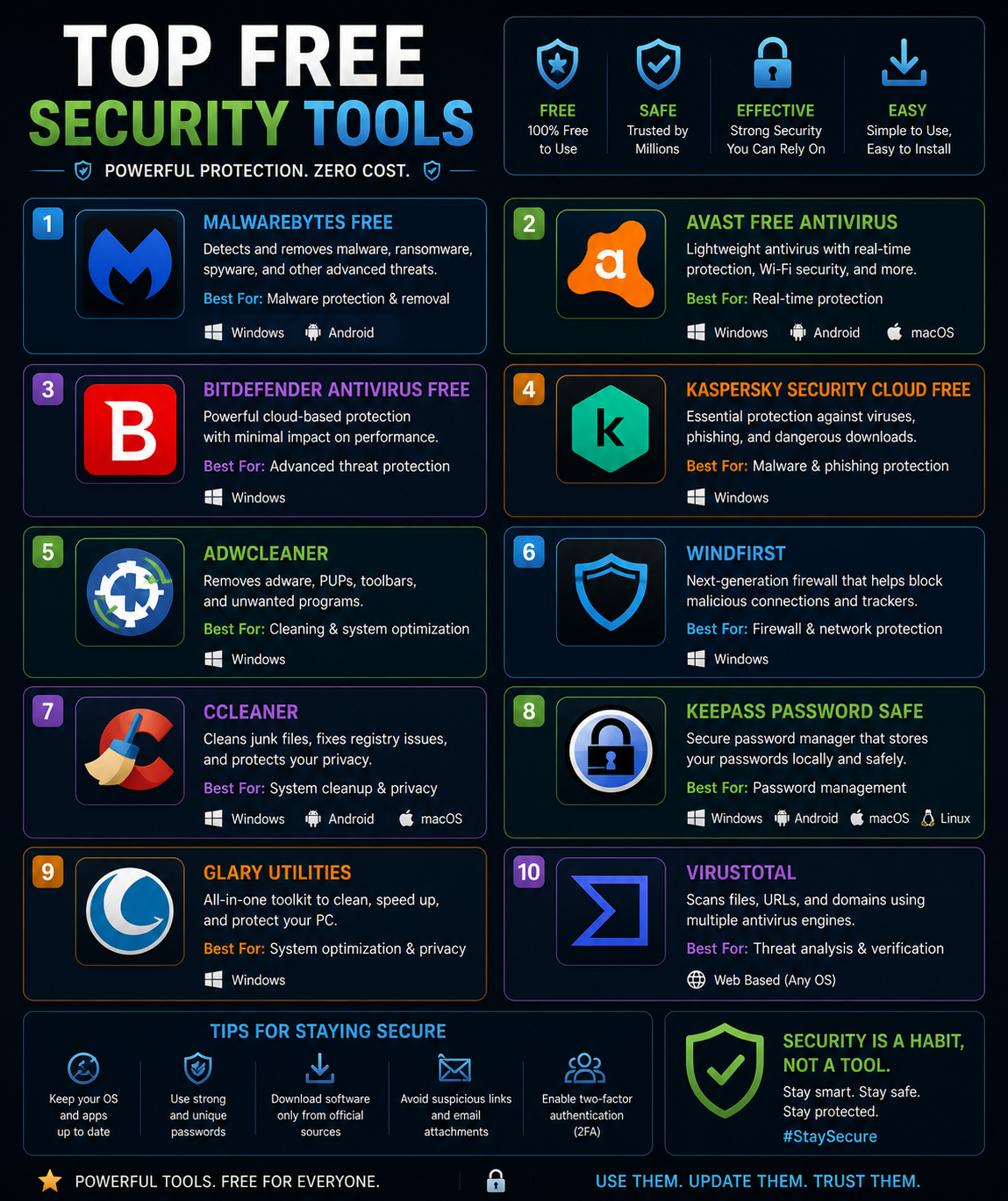
Top Free Security Tools That Actually Work in 2026
Effective personal cybersecurity does not require an expensive subscription. A carefully chosen set of free tools — maintained by reputable organisations, independently audited, and genuinely effective — covers the most important layers of personal digital protection without spending a rupee or dollar. The challenge is knowing which free tools are legitimate, which are monetising your data under the cover of “free,” and which free tiers of paid products offer enough functionality to be worthwhile.
This guide covers the free security tools that provide real protection in 2026, what each one actually does, and how to use them together as a coherent security foundation rather than a random collection of downloaded apps.
Why Free Security Tools Deserve Serious Consideration
The security software market has a significant free tier because the most capable vendors understand that building trust and user base through free offerings creates a pipeline to paid products. This means many genuinely excellent security tools have free versions that are either functionally complete for individual users or limited in scope but still highly effective at what they do.
The caveat is that “free” in software always has a cost structure — either the free tier is loss-leader for a paid product (good), it is supported by advertising (acceptable, depending on implementation), or the cost is your data (problematic for security software, whose entire purpose is protecting your data). Evaluating free security tools requires understanding their business model, not just their feature list.
Password Management: Bitwarden
Bitwarden is the most compelling free security tool available in 2026 for individual users. It is a full-featured, open-source password manager with free tier functionality that matches or exceeds what most paid competitors offer at entry-level pricing. Core capabilities — unlimited password storage, cross-device synchronisation, browser extensions for all major browsers, mobile apps for iOS and Android, and secure password generation — are all available at no cost.
The open-source nature of Bitwarden is a meaningful differentiator. Its code is publicly auditable, it undergoes regular independent security audits (results published publicly), and it has a strong record of transparent communication about security issues. For a tool that stores all your credentials, this transparency matters significantly more than feature count.
The free tier is limited primarily in the area of two-factor authentication options (hardware key support requires a premium subscription at $10/year) and some advanced vault sharing features. For individual use, the free tier is comprehensive.
Using Bitwarden effectively means importing or migrating all existing passwords, generating unique strong passwords for every account that does not already have one, and installing the browser extension that auto-fills credentials to prevent both reuse and credential phishing.
Two-Factor Authentication: Aegis (Android) and Raivo (iOS)
Two-factor authentication apps generate time-based one-time passwords (TOTP) — six-digit codes that change every 30 seconds — as a second factor for account logins. They are significantly more secure than SMS-based two-factor authentication because the codes are generated locally on your device without a network connection, making them immune to SIM swapping attacks.
Aegis Authenticator (Android) and Raivo OTP (iOS) are both free, open-source authentication apps that provide secure local generation and encrypted backup of TOTP codes. Both support encrypted local backup, which is critical — losing access to your authentication app without a backup means being locked out of every account that uses it.
The setup process for TOTP requires scanning a QR code provided by each service when enabling two-factor authentication. This takes approximately two minutes per account. Prioritise accounts in this order: email, financial services, cloud storage, social media, and any other account containing sensitive information.
Breach Monitoring: Have I Been Pwned
Have I Been Pwned (haveibeenpwned.com), maintained by security researcher Troy Hunt, is a free service that checks whether your email address or phone number appears in any of the hundreds of known data breach databases it indexes. The service covers billions of compromised credentials from breaches spanning more than a decade.
Checking your email address takes seconds and immediately tells you which breaches it appeared in and what data was exposed. The free notification service alerts you when your email address appears in any new breach added to the database — providing ongoing monitoring without any ongoing effort on your part.
If your email appears in a password breach, the immediate action is to change the password on the breached service and any other service where you used the same password. This is exactly the situation Bitwarden’s unique password generation prevents, because with unique passwords per account, a single breach does not cascade into compromise across multiple services.
DNS-Based Threat Protection: Cloudflare Gateway / NextDNS
DNS (Domain Name System) is the system that translates domain names (like techrealonline.online) into IP addresses. Every time you visit a website, your device makes a DNS query. DNS-based security works by intercepting these queries and blocking connections to domains known to host malware, phishing sites, or command-and-control infrastructure.
Cloudflare’s free DNS service (1.1.1.1) includes basic malware and phishing blocking with no account required — simply changing your device or router’s DNS settings to 1.1.1.1 and 1.0.0.1 provides a meaningful layer of protection against connections to malicious domains. The setup takes under five minutes and affects every device on a home network when configured at the router level.
NextDNS offers a more configurable free tier (300,000 queries per month before throttling) with detailed logging, custom blocklists, and more granular category-based filtering. The free tier is sufficient for individuals and small households. Both services offer meaningful protection against malware distribution and phishing site connections that complements rather than replaces antivirus software.
Antivirus and Malware Protection: Windows Defender / Malwarebytes Free
For Windows users, Microsoft Defender Antivirus (built into Windows 10 and 11 at no additional cost) provides real-time protection that independent testing organisations AV-TEST and AV-Comparatives consistently rate as competitive with paid alternatives. Enabling and keeping it current requires no additional software installation and no subscription. The majority of Windows users who already have Defender enabled and updated do not meaningfully benefit from adding a separate paid antivirus subscription.
For macOS, built-in XProtect and Gatekeeper provide signature-based malware detection and application execution controls. Supplementing these with the free version of Malwarebytes for periodic on-demand scanning provides additional detection coverage, particularly for adware and potentially unwanted programmes that macOS built-in tools handle less comprehensively.
Malwarebytes Free is an on-demand scanner — it does not provide real-time protection in the free tier (that requires the paid version) but is effective at detecting and removing malware that has already made it onto a device. Running it monthly or whenever you suspect a problem provides useful supplementary coverage.
VPN for Public Networks: ProtonVPN Free
ProtonVPN is the only free VPN service that security researchers consistently recommend without significant caveats. It is operated by Proton AG (the same Swiss company behind ProtonMail), is audited by independent security firms, has a genuine no-logs policy, and its free tier has no data cap — unlike most free VPNs which impose data limits that make them impractical for meaningful use.
The free tier is limited to servers in three countries (US, Netherlands, Japan) and lower connection speeds compared to paid tiers, but it provides genuine encryption for your internet traffic on untrusted networks — exactly what a VPN is for. For everyday home use on a trusted network, a VPN is not necessary. For use on public Wi-Fi in cafés, airports, hotels, or any network you do not control, ProtonVPN Free provides meaningful protection against traffic interception.
Avoid free VPN services that do not have transparent business models, published privacy policies, and independent audits. Multiple studies have found that many free VPN applications collect and sell user browsing data — the opposite of privacy protection.
Encrypted Email: ProtonMail Free
ProtonMail (now Proton Mail) provides end-to-end encrypted email at no cost for the basic tier — up to 1GB of storage, a proton.me email address, and automatic end-to-end encryption between Proton Mail accounts. Messages sent to non-Proton accounts are not end-to-end encrypted by default (they can be manually encrypted with a shared password), but all email is stored encrypted on Proton’s servers, meaning even Proton cannot read your stored messages.
For most users, Proton Mail is most valuable as a secondary email address for sensitive accounts — financial services, medical providers, legal matters — rather than as a complete replacement for a primary email account. The free tier’s storage limit and lack of custom domain support make it impractical as a sole email account for many users, but for protecting sensitive correspondence and account registrations it provides meaningful privacy protection without cost.
Browser Security: uBlock Origin
uBlock Origin is a free, open-source browser extension available for Chrome, Firefox, Edge, and Safari that blocks advertisements, tracking scripts, and connections to known malicious domains. It is maintained by an independent developer with a strong security and privacy focus, uses minimal system resources, and provides more effective and more transparent blocking than most paid alternatives.
Beyond the obvious benefit of removing advertisements, uBlock Origin meaningfully improves security by blocking malvertising (malicious advertisements that deliver malware through ad networks on legitimate websites), preventing tracking scripts from profiling your browsing behaviour, and blocking connections to domains flagged in its threat intelligence feeds.
Installing uBlock Origin on every browser you use is a five-second action with no ongoing configuration required for basic protection. More advanced users can customise filter lists and add domain-specific rules, but the default configuration provides substantial protection immediately.
Using These Tools Together: A Coherent Free Security Stack
These tools work as a layered system, each addressing a different attack vector. Bitwarden eliminates password reuse. TOTP authentication blocks credential-stuffing attacks even when passwords are compromised. Have I Been Pwned provides early warning of credential exposure. Cloudflare or NextDNS DNS blocking prevents connections to malicious infrastructure. Windows Defender or Malwarebytes provides on-device malware detection. ProtonVPN protects traffic on untrusted networks. uBlock Origin blocks malvertising and tracking.
None of these tools requires ongoing maintenance beyond keeping them updated, which most manage automatically. Together they address the primary attack vectors used in the vast majority of individual-level cybersecurity incidents — for zero ongoing cost.
This article is for informational purposes. Tool capabilities, free tier availability, and security effectiveness change over time. Always verify current features directly with tool providers before making decisions based on this content.